
1. Click on Classes in the side navigation. 
2. Search for your class by setting the available filters.
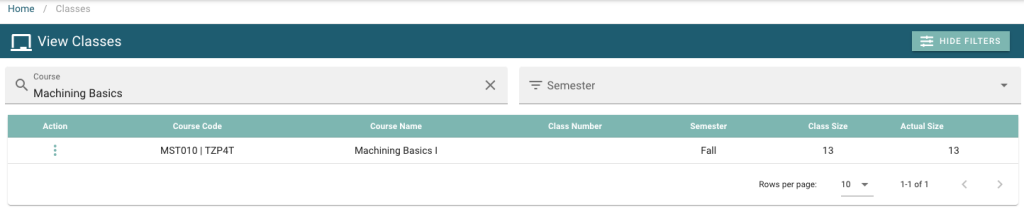
3. Click on the action menu  , and then click on View.

4. Click on Progress / Marks  in the row under Course Information.
5. Find the student in the displayed list, click on the action menu , and click Edit.

6. Fill in any student progress details here, including optional progress report file upload.
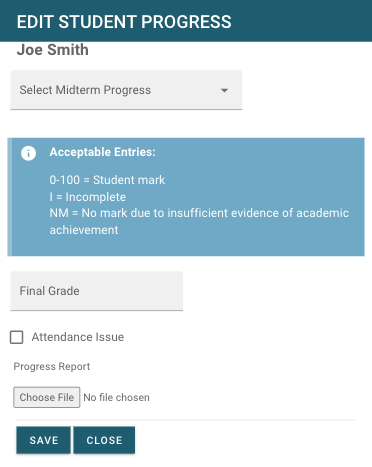
7. Click Save  to finish updating the students progress.