1. Click on Classes in the side navigation. 
2. Search for your class by setting the available filters.
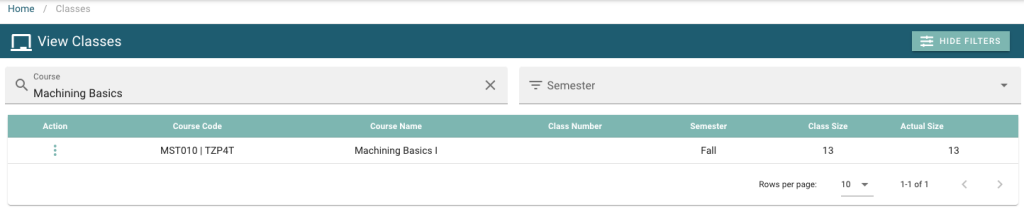
3. Click on the action menu  , and then click on View.

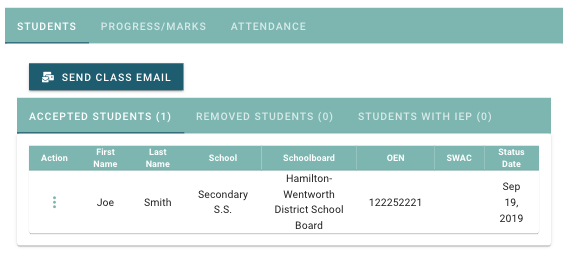
4. Here you can view a full class list including accepted students, removed students, and students with an IEP.