1. Click on Registration drop-down arrow in the side navigation. 
2. From the drop down list select Approved DC Students. 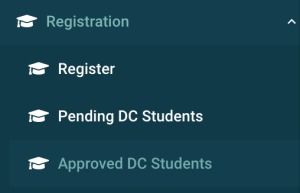
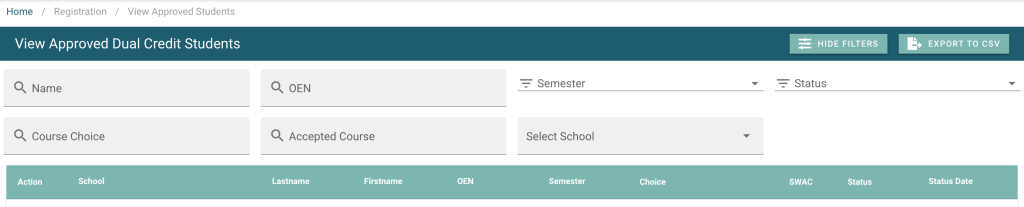
3. A list of student registrations (both approved and accepted) will populate the data table. You can sort or filter the table to assist in finding the student registration.
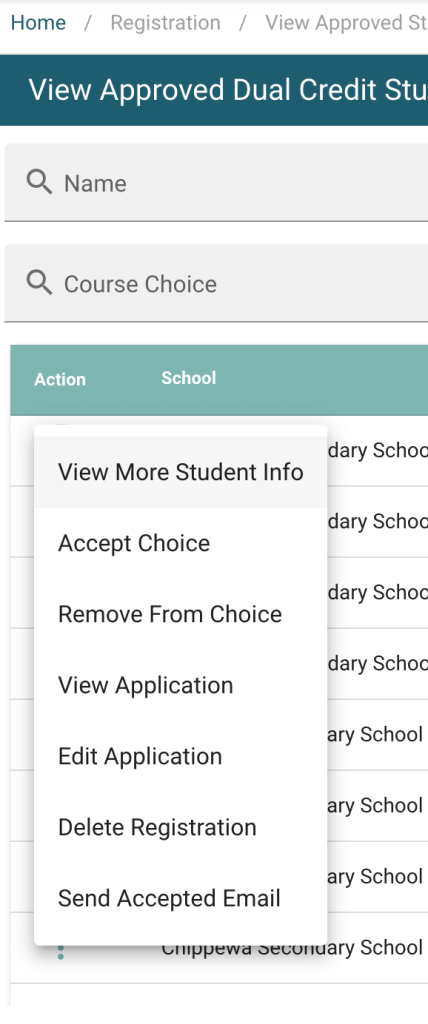
4. Use the action menu to interact with the student registration. From this menu you can add the student into the College course and allocate one of your seats to them by clicking on Accept Choice.
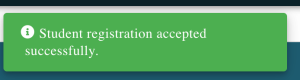
5. Student is successfully accepted into the course.