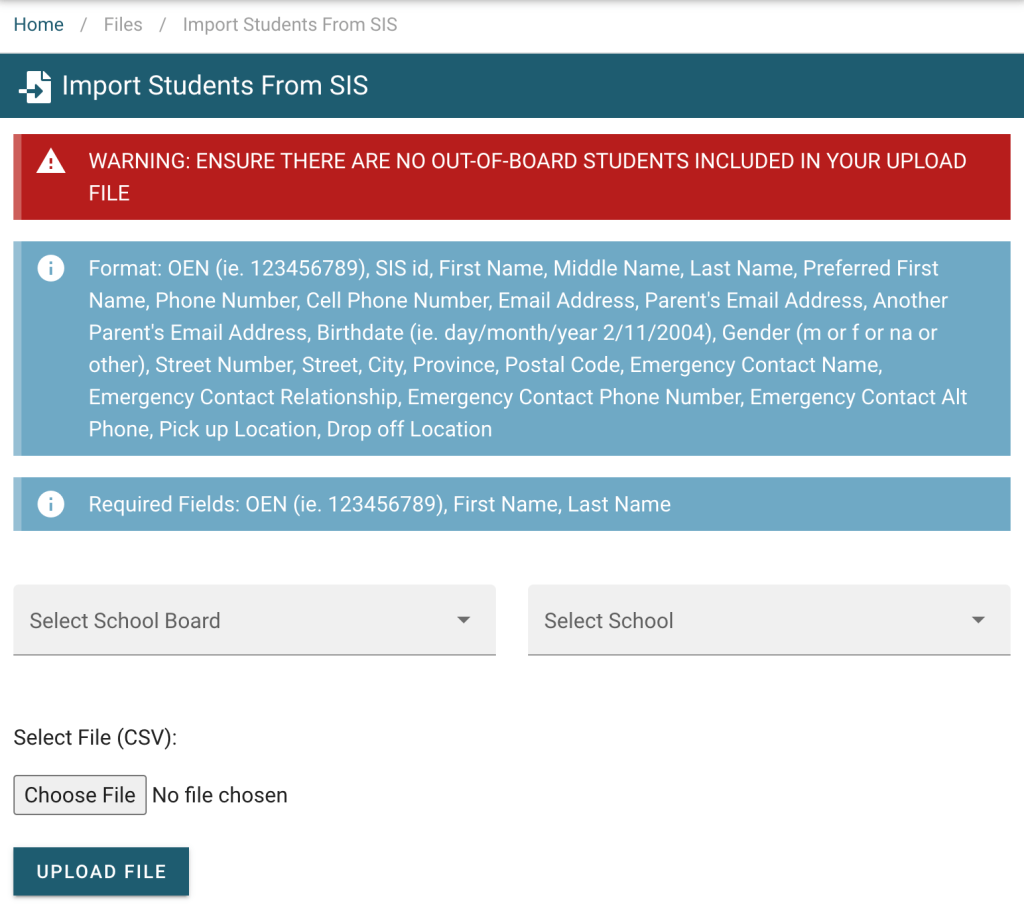
1. Click on Files drop-down arrow in the side navigation. 
2. From the drop down list select Import Students from SIS. 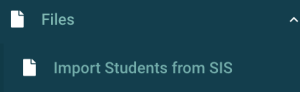
3. Each school will require its own import file. Select your School Board and the correct School from the drop down menus. Then click the Choose File button to find the file on your computer. Once you have slected the file and selected your School Board and School you will need to click the Upload File button.