1. Click on Registration drop-down arrow in the side navigation.  .
.
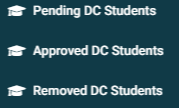
2. From the drop down list select any of the three option: Pending DC Students, Approved DC Students Or Removed DC Students.
3. To Demonstrate the steps for any of the three options, below we will demonstrate searching within Approved DC Students  .
.
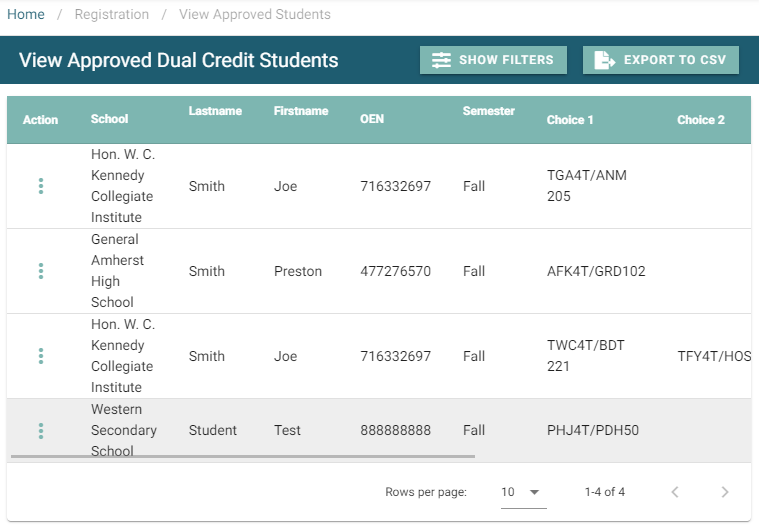
4. Once you click on Approved DC Students, a default list of students populate the data table.
5. Select the Show Filters button  to display possible search criteria.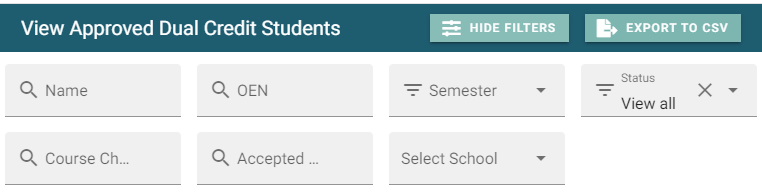
6. Enter OEN to view student status under the ‘Status’ heading as well as registration details. 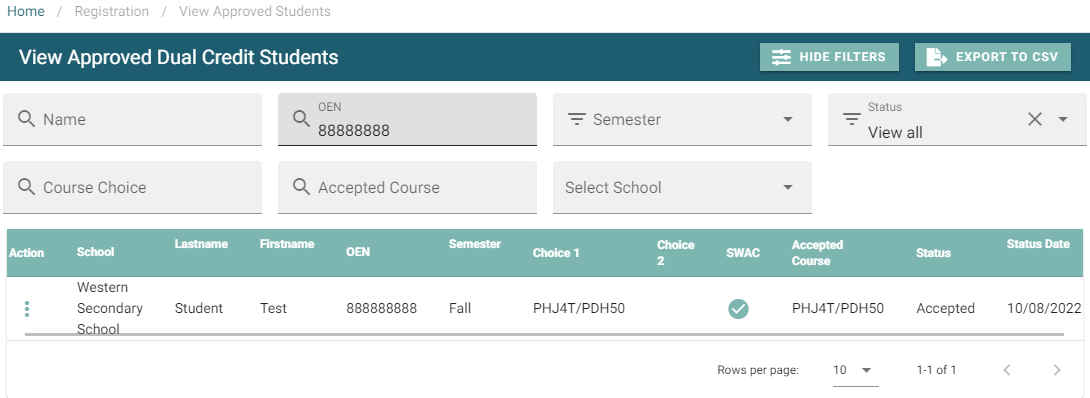
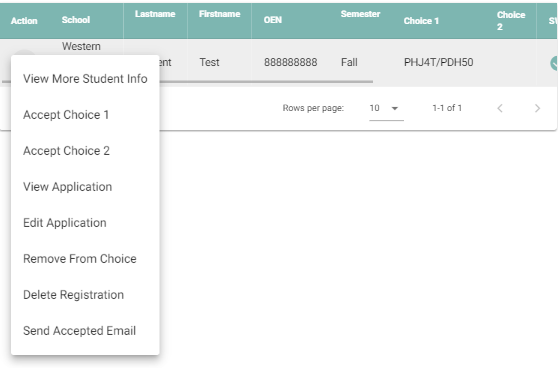
7. Select the action menu  beside the student you are reviewing to show other options available. Select your desired option.