1. Click on Users in the side navigation. 
2. Search for user by one of the following fields.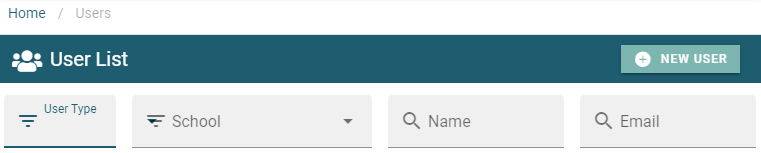
3. select the 3 dots beside the user to be edited.
4. Complete necessary edits to user profile.
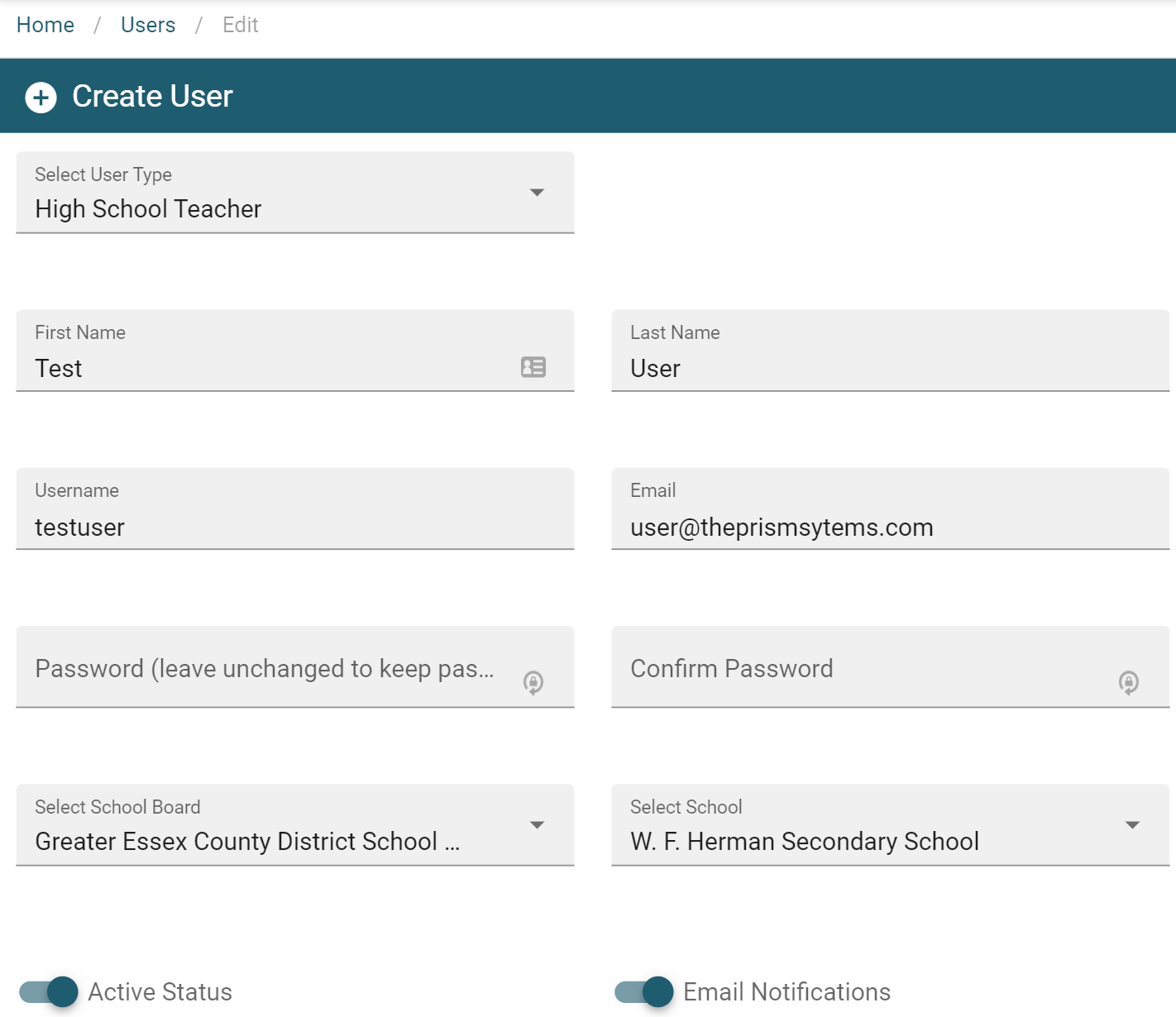
4. Select save  to complete the changes.

1. Click on Users in the side navigation.
2. Search for user by one of the following fields.
3. select the 3 dots beside the user to be edited.
4. Complete necessary edits to user profile.
4. Select save to complete the changes.