
1. Click on Students in the side navigation. 
2. Click on the + New Student button on the students list page.
3. Insert the student OEN number in the OEN field.
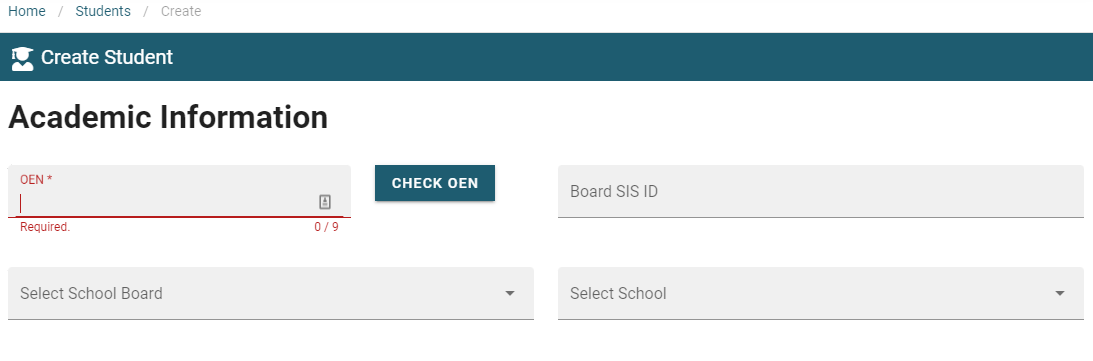
4. A valid OEN number will trigger a pop up screen showing the drop down fields to perform the school board transfer.
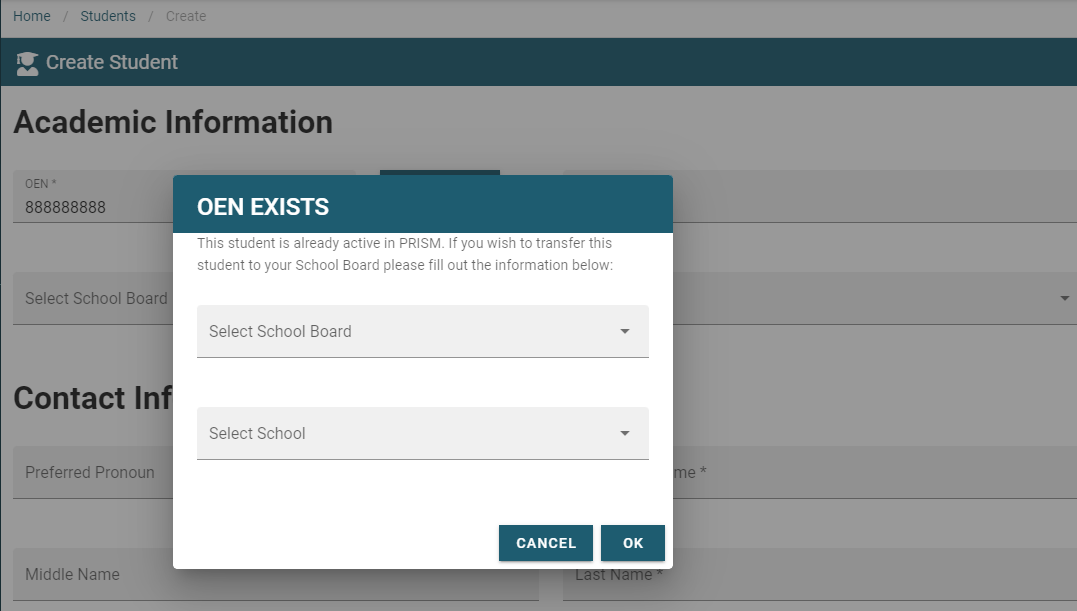
5. Prefill the appropriate school boards. First drop down is existing school board. Second drop down is destination school board.
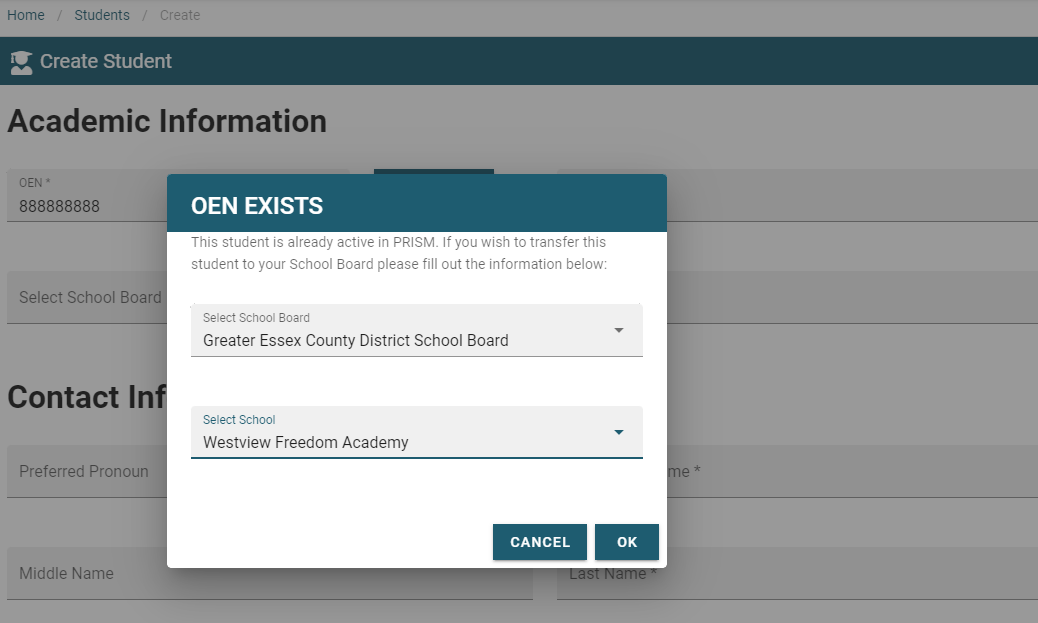
5. Select OK to complete the transfer.