1. Click on Students in the side navigation. 
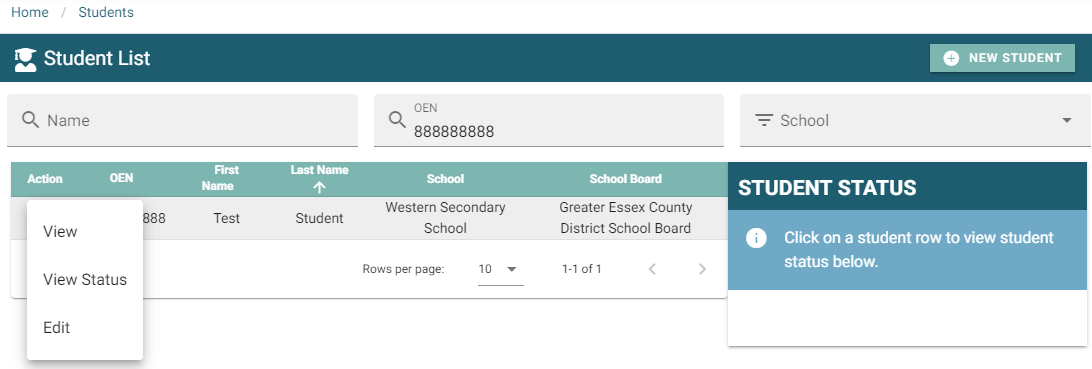
2. Search for student by any of the three possible fields.

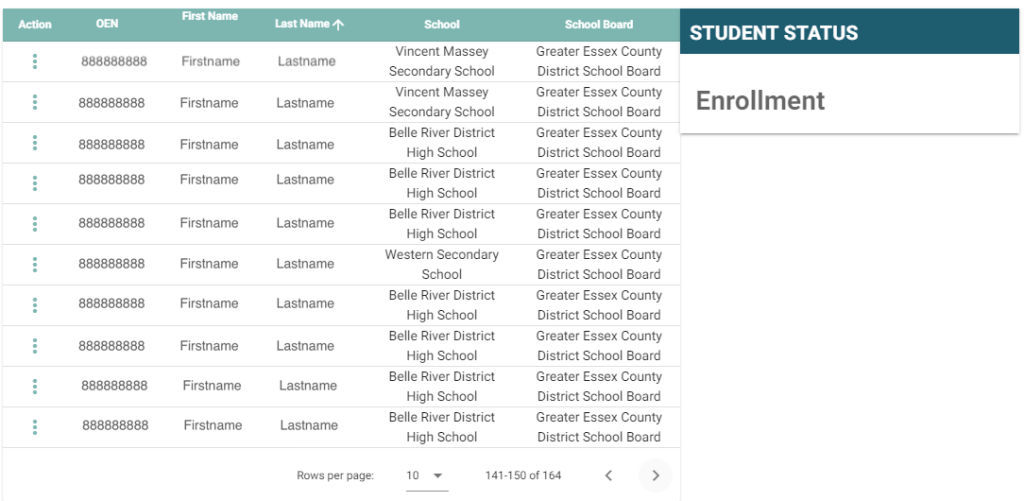
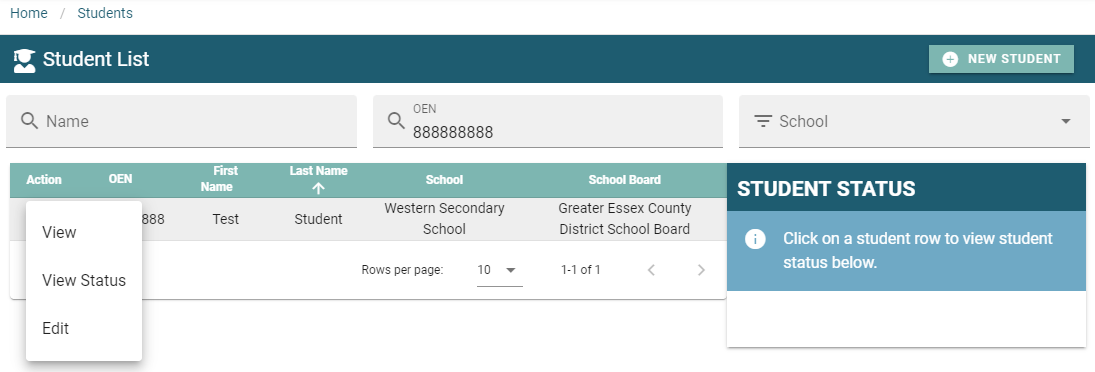 3. Click the action menu to view options.
4. Select View from the drop down listing options.
5. The student profile will pop up for your visibility.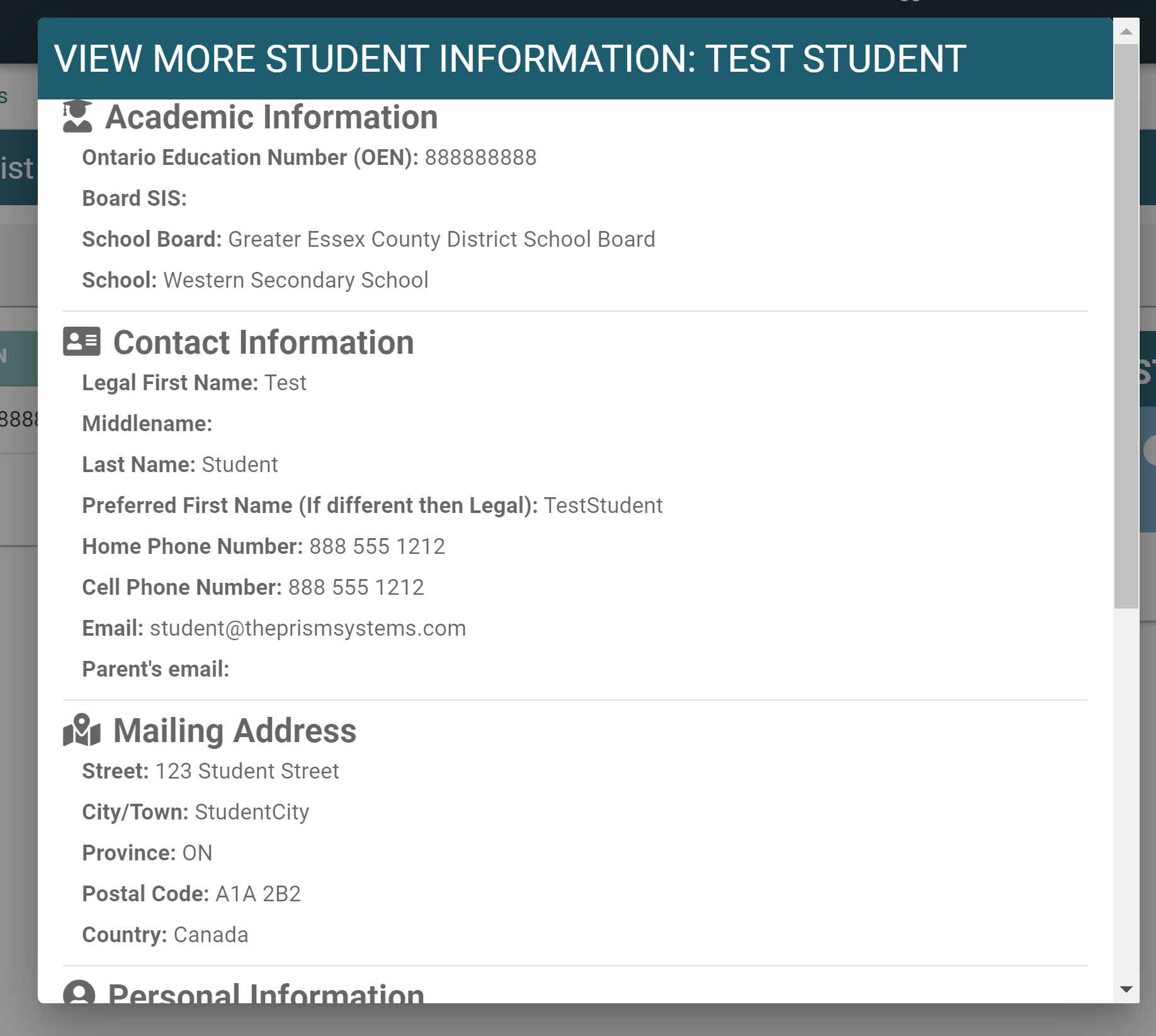
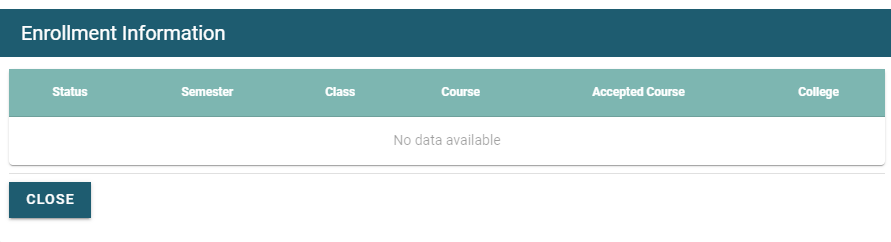
6. Student enrollment status can also be viewed by selecting View Status from the action menu. The current status of the student will then be displayed on the right hand side panel.