1. Click on Students in the side navigation. 
2. Search for student by any of the three possible fields.

3. Click the action menu to drop down the possible selections.
4. Select Edit from the drop down.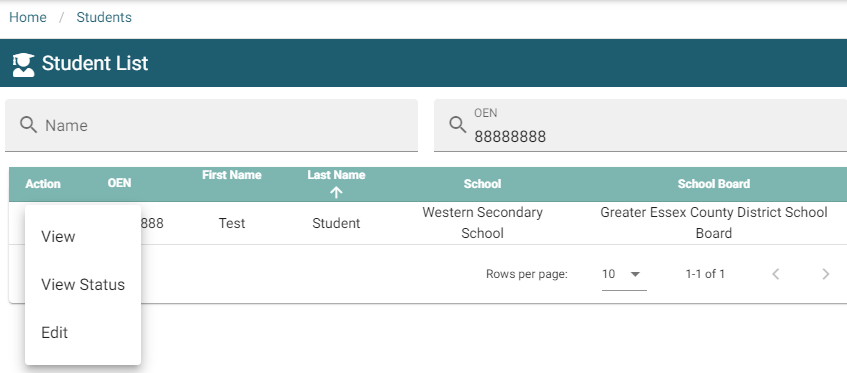
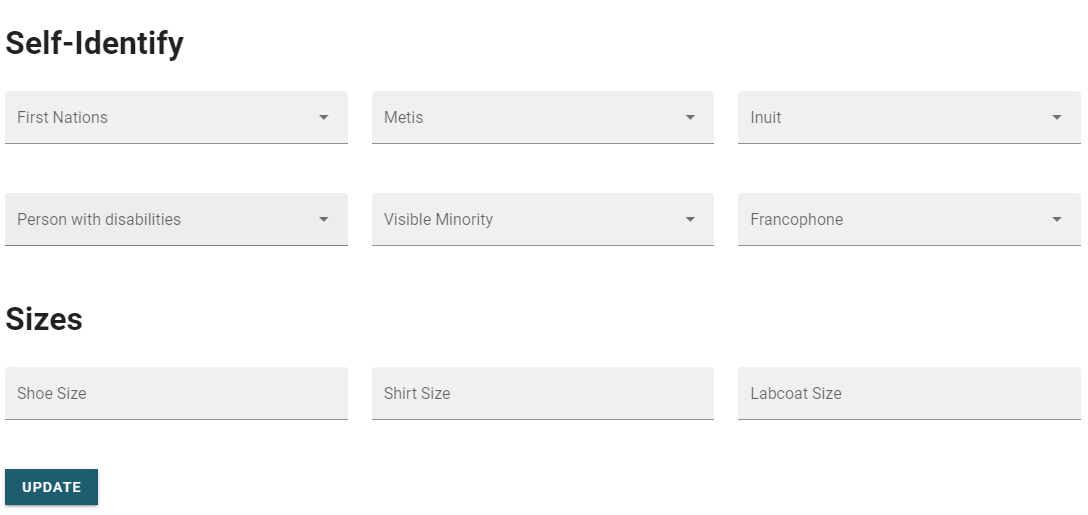
5. After editing the fields, select the update button  at the bottom of the form to save your changes.