1. Click on Students in the side navigation. 
2. Click on the + New Student button on the students list page.
3. Fill in the input fields with the new student information and click Save at the bottom of the page.
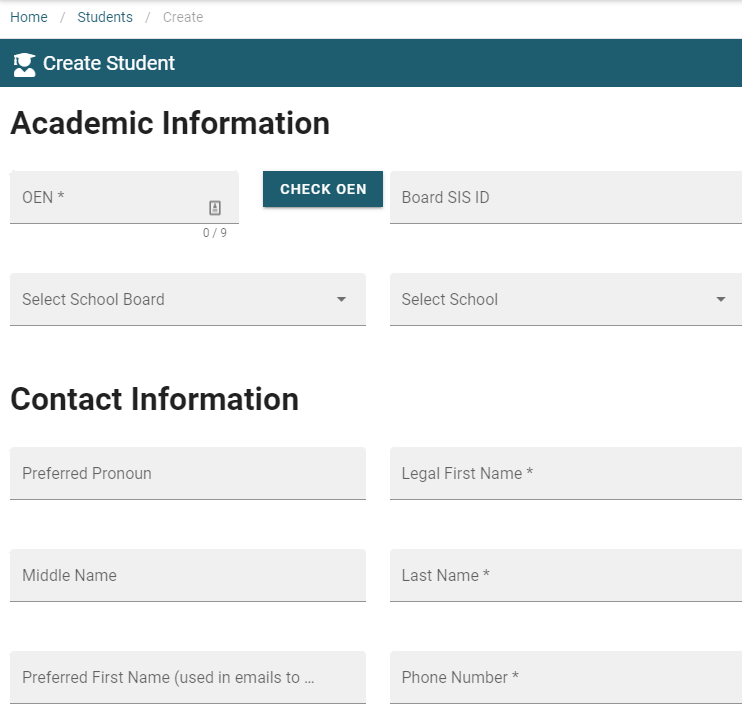
4. Select save at bottom of form 

1. Click on Students in the side navigation.
2. Click on the + New Student button on the students list page.
3. Fill in the input fields with the new student information and click Save at the bottom of the page.
4. Select save at bottom of form