
1. Click on Course Management drop-down arrow in the side navigation. 
2.From the drop-down list select Course Offerings. 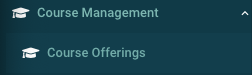
3. Search for a course offering by any of the filters provided.
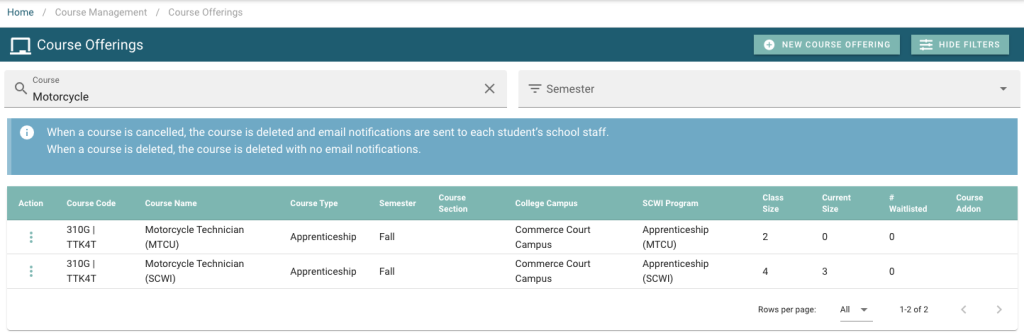
4. Click the 3 dots beside the course and select Edit. 
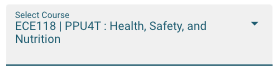
5. Change the course input under Select Course to the correct course.
6. Click Update  to save your changes.